Stop copy-pasting YouTube links
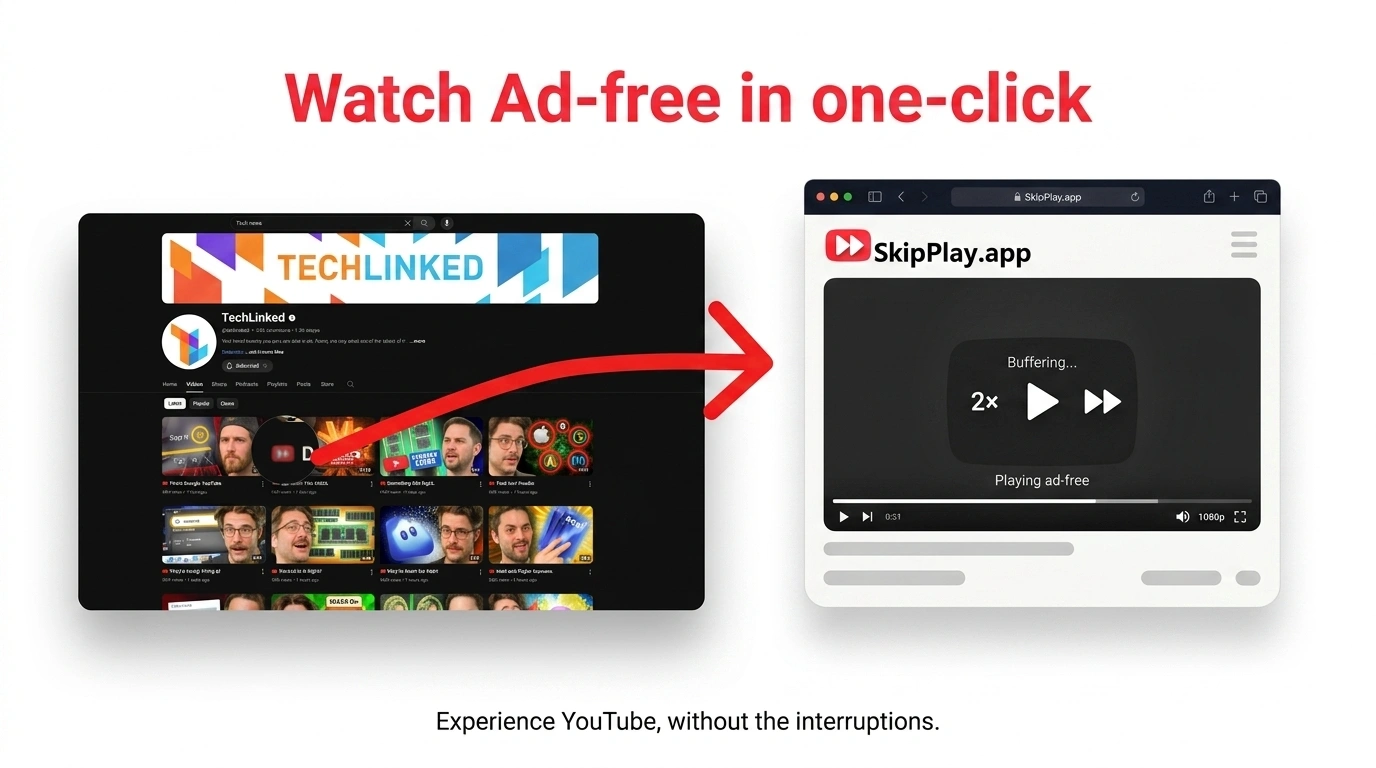
Already using SkipPlay in your browser? Install the extension and open any video ad-free with one click directly on YouTube.
Download for desktop
Chrome, Edge, Opera, or Vivaldi. Install once, skip the paste step forever.
$9 one-time · Early supporter price · normally $29 · lifetime updates
Compare the Workflow
See how the SkipPlay extension removes every unnecessary detour.
- Find a video on YouTube
- Copy the URL
- Open skipplay.app
- Paste and load
- Find a video on YouTube
- Click SkipPlay
- Watch instantly, ad-free
Why install the extension?
Same ad-free SkipPlay you already trust, without opening a new tab, pasting a URL, or leaving YouTube.
One click, no paste
Tap the SkipPlay icon on any video. It opens ad-free instantly. That is the whole workflow.
Works on every page
Home feed, search, channels, playlists, and the watch sidebar, not just video cards.
Block feed ads
Hides promoted cards and banners across YouTube. On by default, zero setup.
Block Shorts
Hides Shorts cards everywhere. Toggle on or off from the extension popup.
100% ad-free playback
Pre-roll, mid-roll, and overlays removed. Auto-skip and SponsorBlock built in.
Lightning fast
Opens the SkipPlay player in a new tab without the copy-paste detour.
Privacy focused
No account, no tracking. Your watch habits stay on your local device.
Chrome, Edge, Opera, Vivaldi
One extension for desktop Chromium browsers. Same install steps everywhere.
Under 2 minutes to install
Download, load unpacked, pin the icon. No technical skills required.
How SkipPlay Compares
See why thousands choose SkipPlay over standard ad blockers and pricey subscriptions.
| Feature / Benefit | SkipPlay Extension | Standard Ad Blockers | YouTube Premium ($13.99/mo) |
|---|---|---|---|
| Pricing Model | $9 One-time (Lifetime) | Free | $167.88 / year (Recurring) |
| 1-Click Clean Player | ✓ Dedicated Web App | ✕ None | ✕ None |
| Anti-Adblock Bypass | ✓ 0s Native Fast-Forward | ⚠ Frequent Black Screens | ✓ Native |
| Hide Shorts Shelves | ✓ 1-Click Toggle | ✕ Manual Filters Required | ✕ Cannot Hide Shorts |
| Privacy & Data Logging | ✓ 100% Local (0 Tracking) | Varies | Google Account Linked |
People already skip the ads
SkipPlay users watch without interruptions. The extension just removes the extra steps.
"I hate what youtube has been doing with advertising lately, this has saved a ton of migraines."
"Thanks for your work. I get the content without wasting time for the ads."
"Thank you for all your work. I don't feel like I should have to pay for commercials to go away."
How to install
Already convinced? Same steps for Chrome, Edge, Opera, and Vivaldi:
Download the Extension
Click the download button to get the SkipPlay-extension.zip file. Save it to your computer (e.g. Downloads folder).
Extract the ZIP File
Right-click the downloaded ZIP and choose 'Extract All' or 'Extract Here' to get the extension folder.
Open Extensions Page
In your browser's address bar, type the Extensions URL for your browser:
- Chrome:
chrome://extensions/ - Edge:
edge://extensions/ - Opera:
opera://extensions/ - Vivaldi:
vivaldi://extensions/
Enable Developer Mode
On the Extensions page, turn ON 'Developer mode' (top-right corner switch). This lets you install the extension from a folder (same in all Chromium browsers).
Load the Extension
Click 'Load unpacked', then choose the extracted SkipPlay extension folder. Same in Chrome, Edge, Opera, and Vivaldi.
Pin the Extension
Click the puzzle-piece (or extensions) icon in the browser toolbar, then pin SkipPlay so the icon stays visible.
Use on YouTube
Open YouTube. You should see the SkipPlay icon on video cards. Click it to open the video ad-free. If not, refresh the page or restart the browser.
$9 one-time · Early supporter price · normally $29 · lifetime updates
Troubleshooting
Having issues with the extension? Here are some common solutions:
Still having issues? Contact us for support.